

Introducing Assembly & Bill Of Materials
BOQ Multilevel Sections in My Scope
Quantity Breakdown
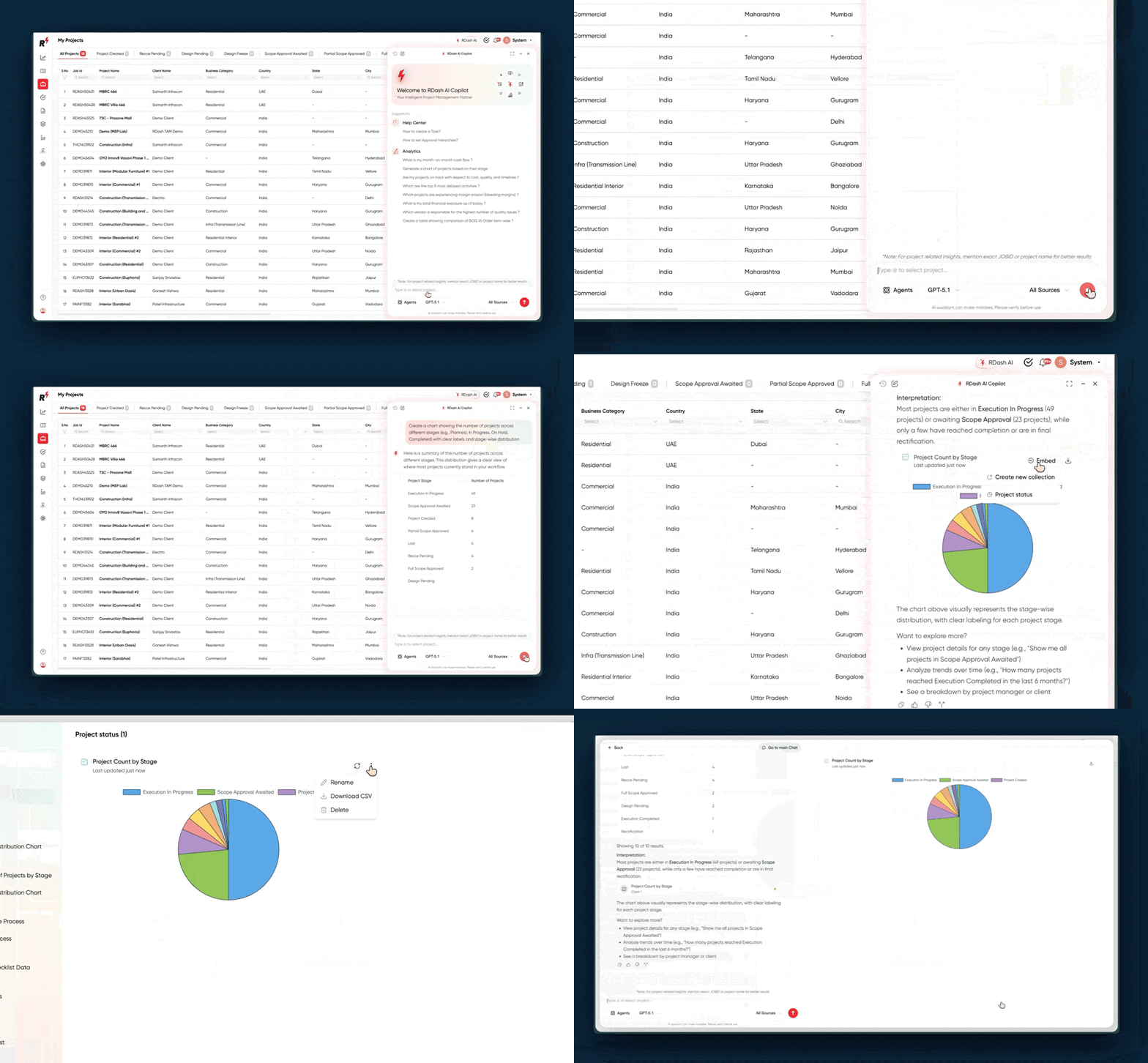
Task Scheduler Agent
A background agent that monitors your project data and acts when it matters.
Set a watch condition and frequency through easy prompt — the agent runs silently and creates a task the moment your condition is met.
Budget overrun, slipping milestone, overdue approval — it catches it and surfaces it as an actionable task, without anyone checking manually.
Set it once, forget it. RDash AI watches so your team doesn't have to.
Voice DPR Agent
Now while creating DPR, instead of typing your team can just speak up their site updates in any language. The agent transcribes and fills the DPR automatically.
Field updates, done in seconds. Just speak.
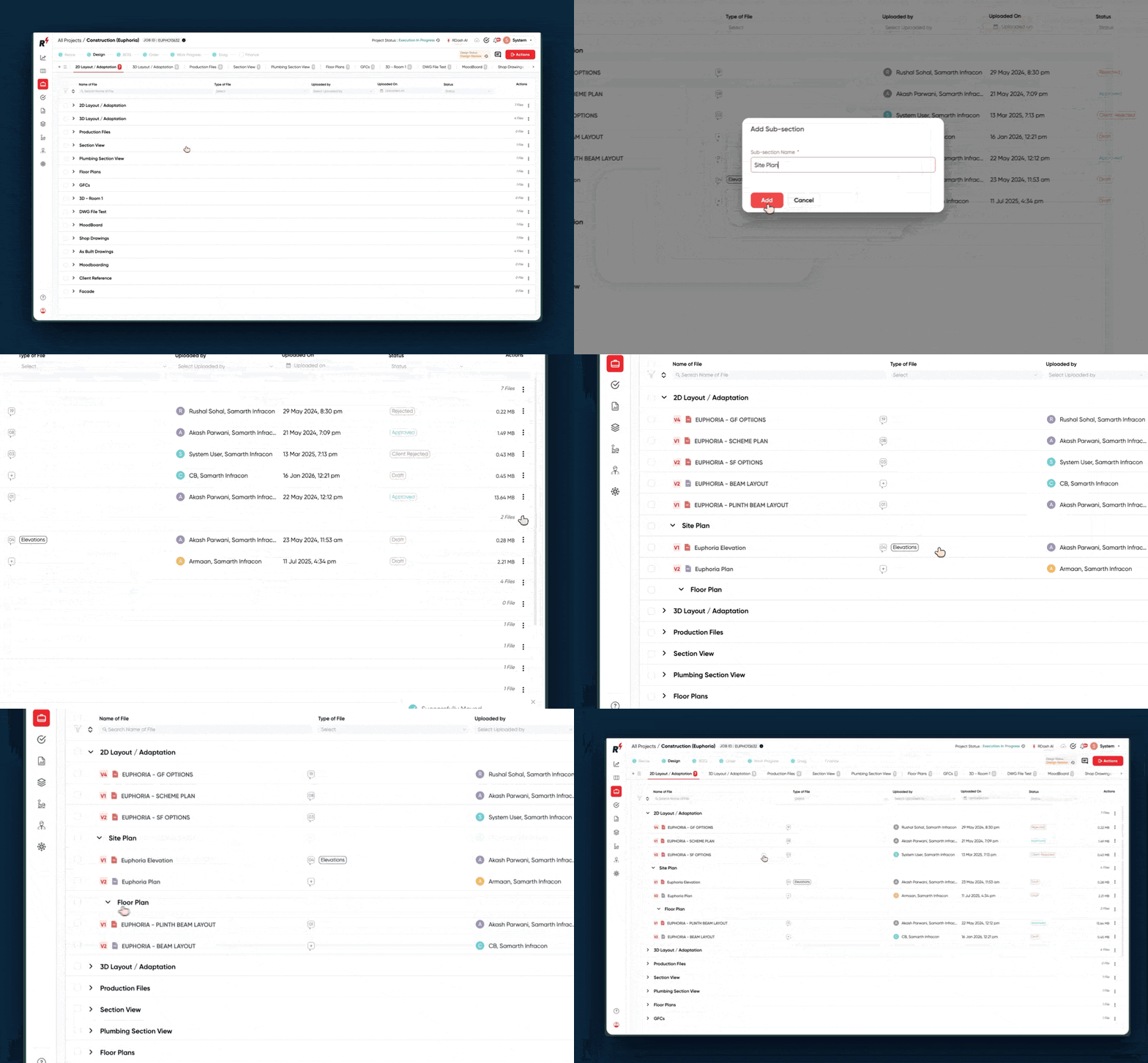
Now you can create organize design files by creation sections and multiple sub-sections, organize them hierarchically and upload files directly to each sub-section.


Manage leads, send quotations, convert to project

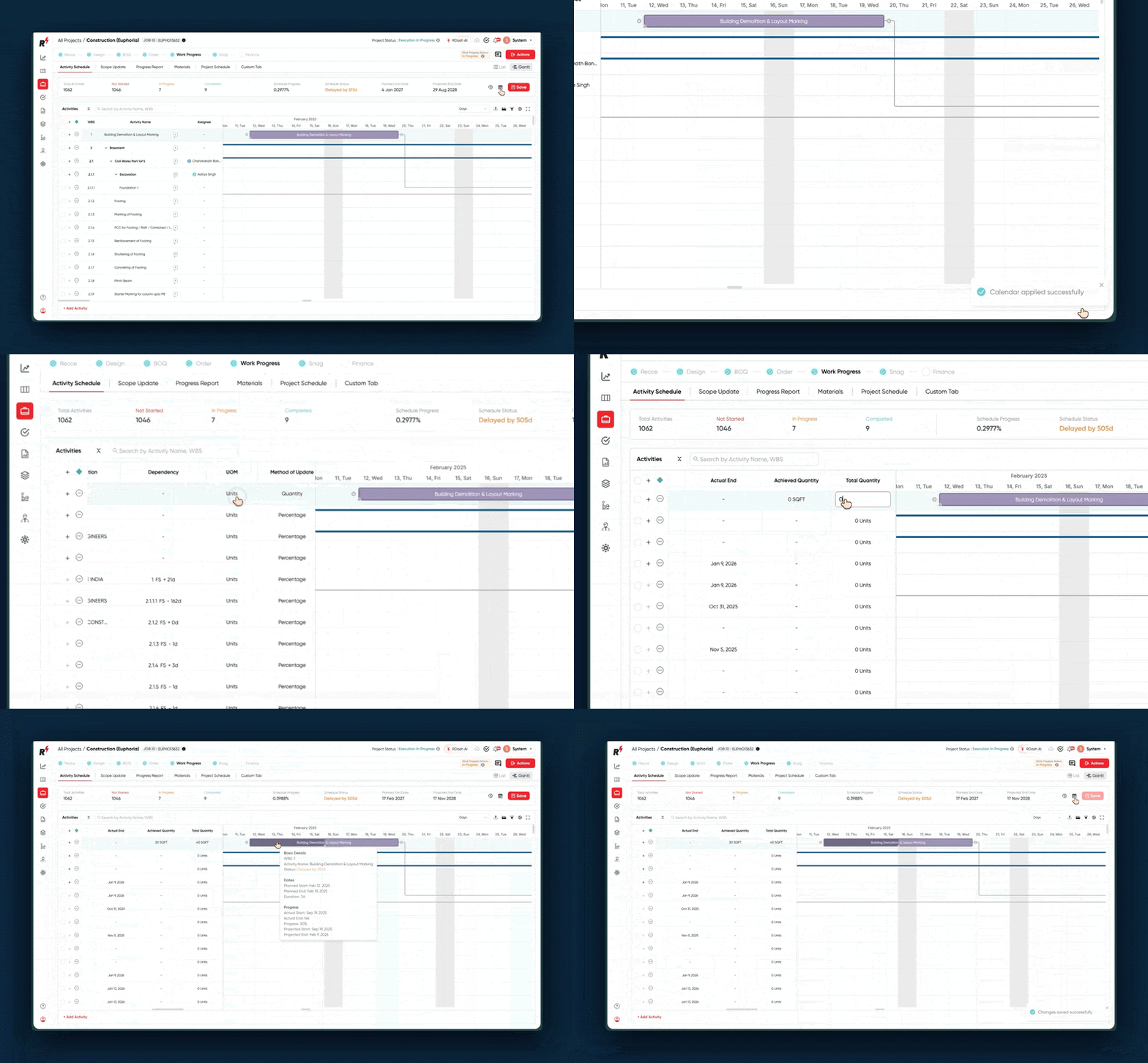
Schedule activities, set deadlines and highlight dependencies

Version control and contextual collaboration on design files

Create and Share BOQ with clients, Document and approve Changes

Automate 360° daily progress reporting - in real time

Smart site diligence and technical survey with mobile app

Tag quality snags to supplier orders

Linked to Element Master, automates procurement workflows

Automate PO creation, Configure country specific tax rules

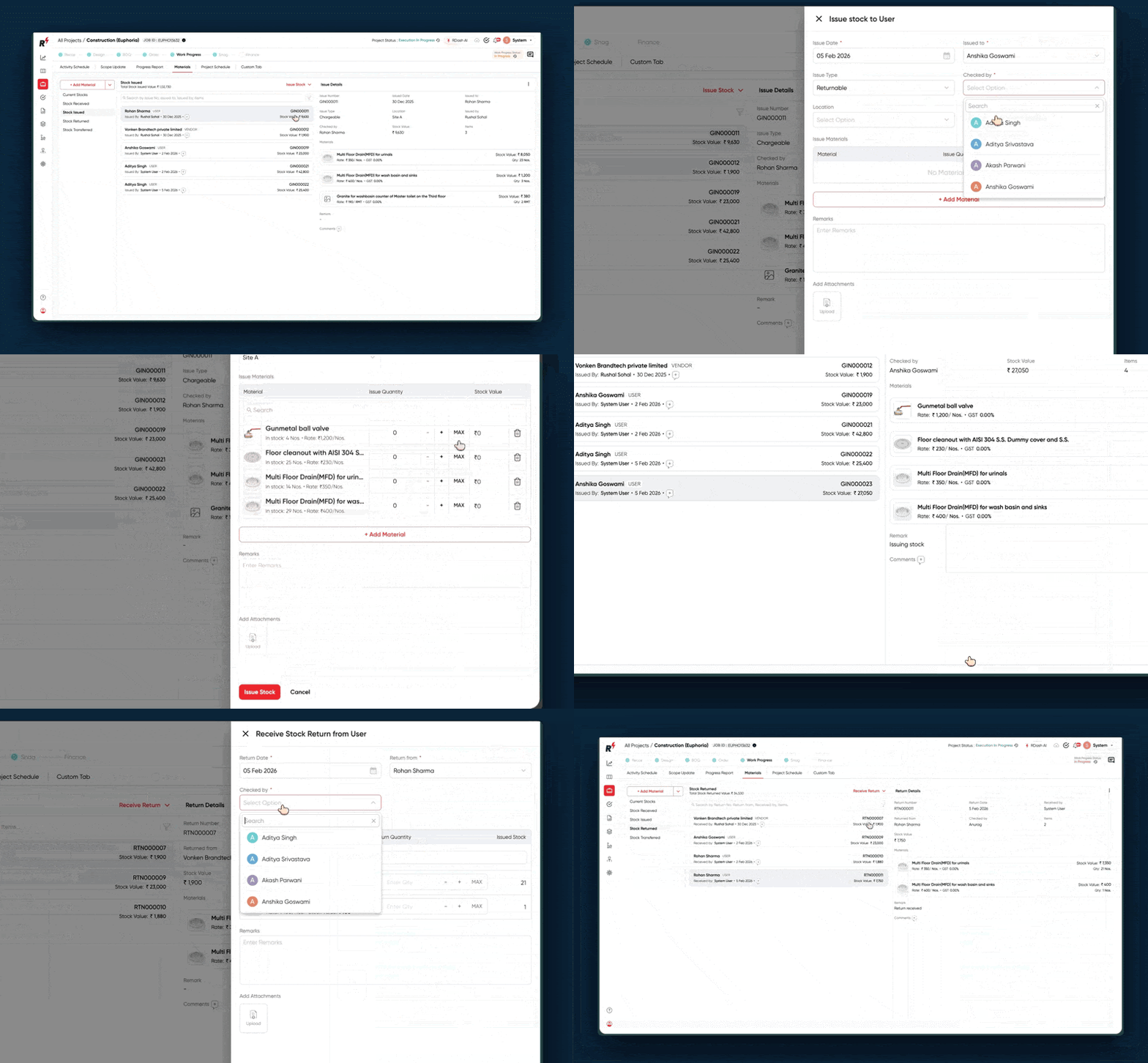
Material GRN and Issuance at site store

Break scope items into standard materials

Precise cashflow control by measuring installed value of work

Capture and control site expanse via mobile app

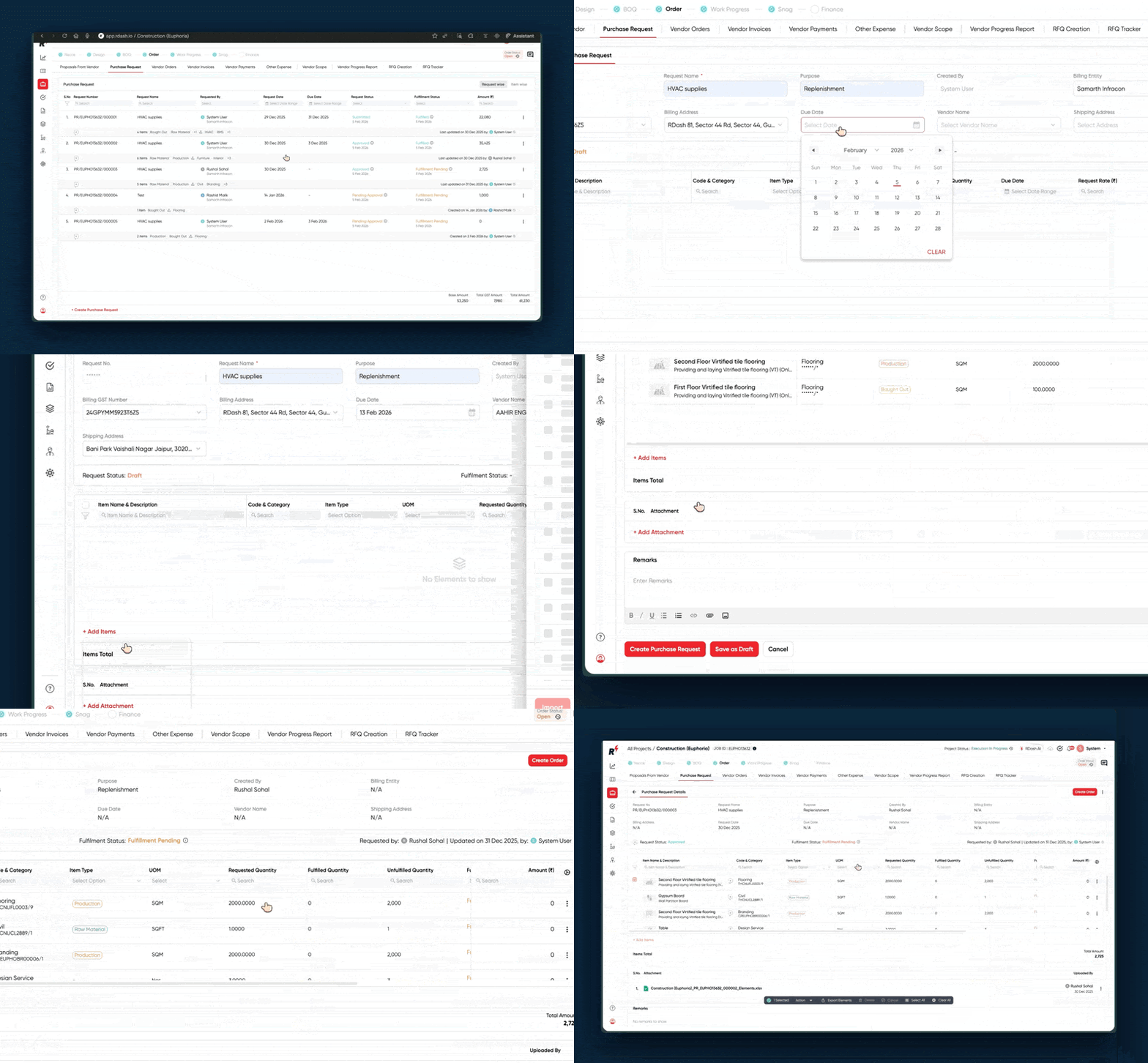
Initiate Material Purchase Requests from site with Approval controls

Get advance analytics and get things done with Prompts

Turns contexts into collaborative Work Space

Makes your PO, Invoicing, Payment, and Expanse processes robust

Spec control with interactive element master

Create supplier/client logins to update documentation and provide approvals

50+ ready to plug dashboards, customised reports and MIS

Integrate with ERP, Accounting, and Business Applications

Our Perspective on Construction & Tech

Learn new concepts in Construction

Ebook, White Papers, Client & Project Case Studies

Latest News and Press Releases

Deep dive into projects managed on RDash

Insights on Construction & Interiors

In-depth research and analysis

Comprehensive Features Comparison

New updates and improvements

Complete Guide to Rdash