
Key Takeaways
- Procore’s pricing is based on Annual Construction Volume (ACV), not a flat subscription. Industry estimates put small contractor costs at 4500-10,000+ per year, mid-size firms at 20,000-60,000+, with implementation fees often adding 50,000-150,000 in year one.
- Procore is widely acknowledged as a poor fit for smaller firms; independent pricing analysis flags contractors under $10M ACV as a segment where the pricing floor exceeds the value delivered.
- Contractors report 10–15% price increases at renewal, meaning Procore’s cost trajectory compounds over time even when actual usage stays flat, according to pricing research from Projul.
- Ten distinct alternatives now cover this segment, ranging from fully connected platforms to budget field tools, at price points from roughly $49/month to a few thousand dollars a year.
- Mobile-first, India-built tools have reached real scale. Powerplay alone has crossed 5 lakh app downloads domestically, showing region-specific construction software has genuine adoption, not just niche use.
- Platforms that connect procurement, site tracking, and finance tend to deliver savings beyond the subscription cost itself. One such platform, RDash, reports clients seeing 8–10% overall project cost reductions after consolidating fragmented workflows.
- The right alternative depends on project type more than brand reputation; a residential builder, a commercial fit-out firm, and a field-heavy subcontractor each need different feature depth, not the same “best” platform.
Quick Answer: Procore prices its software against Annual Construction Volume (ACV), which typically puts small and mid-size contractors in the 10,000-60,000+ per year range once implementation and modules are added. A structure built for firms managing ₹450+ crore in projects, not the ₹5–200 crore range most Indian contractors and fit-out firms actually operate in. Ten credible alternatives now serve this segment well, spanning fully connected platforms, mobile-first field tools, residential-focused software, and lean budget options. The right one depends on project type, team size, and how much of the workflow procurement, design, finance, site tracking needs to live in one place versus stitched together from separate tools.
Somewhere between the third missed RFI and the fourth WhatsApp group that’s somehow become the official record of a ₹2 crore project, most contractors start searching for the same thing: a Procore alternative. It’s not that Procore is bad software by most accounts; it’s genuinely excellent. It’s that Procore was built for the general contractor managing $50 million a year across a handful of massive commercial jobs, and priced accordingly. A mid-size interior fit-out firm running six sites at once, coordinating vendors over WhatsApp, and reconciling BOQs in Excel at midnight is not that contractor, and paying enterprise pricing to solve a smaller-scale operational problem rarely makes sense.
The good news is the market has caught up to this gap. There isn’t one obvious substitute; there are now a dozen credible options, each built around a different slice of how smaller contractors actually work. Below are ten of them, laid out with equal depth, so this page alone should answer what each one does, what it costs, and who it actually fits.
What Is Procore, and Who Is It Actually Built For?
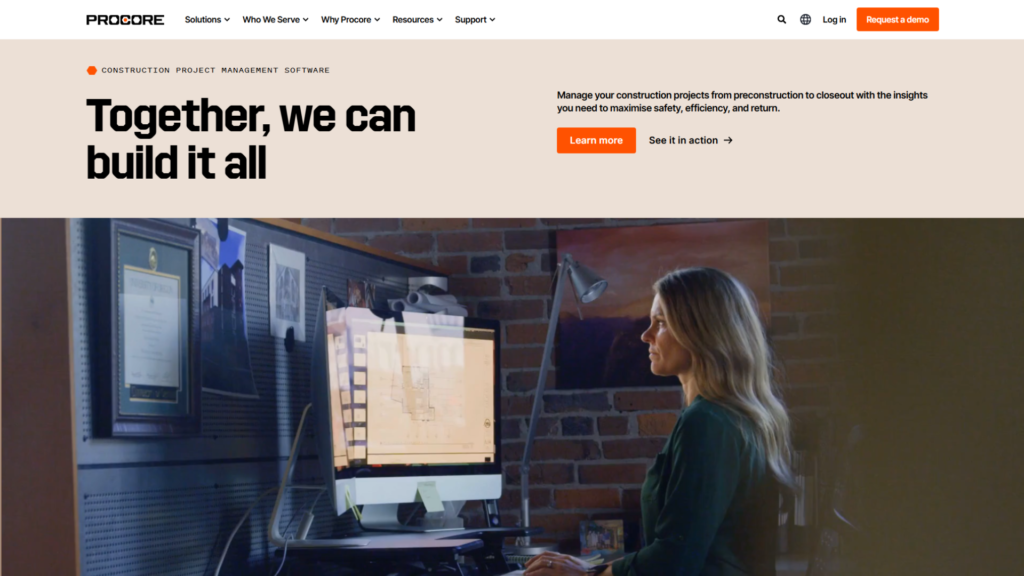
Procore is a construction management platform covering the full lifecycle of a large commercial project: bid management, project execution, quality and safety tracking, BIM coordination, and financial analytics, all built to help general contractors predict risk and protect margins across projects with hundreds of drawings, hundreds of submittals, and dozens of subcontractors moving simultaneously. For that scale of complexity, the platform earns real trust; one long-time user summed it up honestly in a review, saying they weren’t sure it was worth the cost on smaller jobs, but once a project involves 200-plus drawings and 300-plus submittals, having one central platform genuinely pays for itself.
That’s precisely the catch for a smaller contractor. Procore doesn’t publish flat pricing; cost is calculated against Annual Construction Volume (ACV), the total dollar value of construction work running through the business, plus whichever modules are selected.
Industry estimates put that at $4500-10,000+ a year for small contractors, 10,000-30,000+ for mid-size firms, and 20,000-60,000+ for larger mid-size operations approaching enterprise scale, with implementation alone often adding 50,000-150,000 in the first year according to independent breakdowns of Procore’s cost structure. Because pricing scales with ACV, the bill grows every time the business grows regardless of whether actual software usage changes at all, and contractors report renewal increases of 10–15% on top of that baseline.
Procore’s flagship advantage, unlimited users with no per-seat fee, is real and valuable for the right team: a general contractor with 80-plus field workers needing drawing access saves serious money not paying per license. But for a 5-to-20-person team, the actual size of most small and mid-size Indian contracting firms, that advantage simply doesn’t offset the base price, and a flat-rate, purpose-built platform typically ends up cheaper overall. That gap, not any flaw in Procore’s engineering, is what’s sent so many smaller contractors looking elsewhere.
What Should You Actually Look for in a Procore Alternative?
Before comparing platforms, it helps to define what “good fit” means for a smaller contractor, since it’s a different checklist than what a $200M general contractor would use.
- Does it work on a basic smartphone, not just a laptop? Site supervisors are the ones actually logging progress, and an app that’s slow or assumes fast, reliable internet fails on day one.
- Does it specifically replace WhatsApp and Excel? Those are the real incumbent tools most smaller construction operations run on today the actual competition any new platform has to beat, not a hypothetical one.
- Does it deploy in weeks, not quarters? A tool that takes months and requires a dedicated implementation team solves the wrong problem for a firm that needs visibility into next month’s site progress.
- Does it connect procurement, site progress, and finance, or does it leave data re-entered across disconnected tools? Fragmentation is usually the exact problem driving the search for new software in the first place.
Comparison Table: Top Ten Procore Alternatives Compared
Platform | Core Focus | Best For | Official Starting Price | Official Deployment / Setup Information | Mobile |
RDash | End-to-end construction: projects, design, BOQ, procurement, finance & site | Contractors, interior/design-build firms, developers, PMCs | Custom quote | 7 days–3 weeks for standard deployment; (also advertises a 90-day deployment guarantee for certain implementations) | Yes Android & iOS |
Powerplay | Construction project, material, labour, issue & expense management | Indian contractors, builders, site/project teams | Not publicly disclosed on official site | Target: within 7 days | Yes mobile app |
BuildNext | Technology-enabled design, construction & project tracking | Homeowners / residential construction projects | No standalone SaaS price publicly listed | Project-specific | Yes, mobile project tracking |
Buildertrend | Full construction business management: project, financial, sales & client management | Established builders, remodelers, trade & commercial contractors | Custom quote | Most builders can begin using it within a few days | Yes iOS & Android |
Contractor Foreman | General construction project, scheduling, financial & field management | Small contractors and construction teams | $49/month starting price | Not publicly stated as a fixed implementation period | Yes |
Fieldwire | Field management, drawings, tasks, punch lists & project documentation | Field crews, GCs and contractors | Free; Pro $39/user/month | Not publicly stated as a fixed implementation period | Yes |
Knowify | Contracting, estimating, project management, job costing & financials | Specialty/trade contractors | $99/month Core | Not publicly stated as a fixed implementation period | Yes iOS & Android |
Autodesk Forma (formerly Autodesk Construction Cloud ecosystem) | BIM/design, preconstruction, project management & construction operations | Larger construction firms using Autodesk ecosystem | Custom quote | Custom implementation; no standard public deployment period | Yes / mobile access |
STACK | Takeoff, estimating, construction document & field/project management | Estimators, subcontractors, GCs and field teams | $49/user/month Build & Operate; $249/user/month Takeoff & Estimate | A few hours for most teams to get up and running | Yes iOS, Android & Windows |
Zoho Projects | General project management, scheduling, budgets, timesheets & workflows | Companies already using Zoho or needing affordable PM software | Free; Premium $280/user/month | Self-service SaaS; no fixed deployment period published | Yes iOS & Android |
The 10 Best Procore Alternatives for Small and Mid-Size Contractors in India (2026)
1. RDash
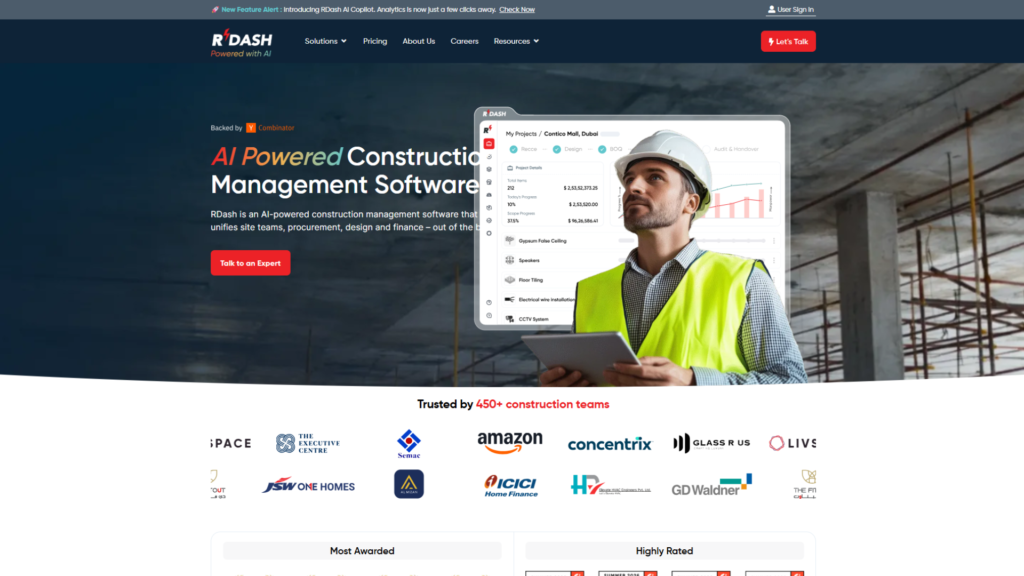
Picture a mid-size interior fit-out firm running four active sites, where the site engineer’s progress photos live in one WhatsApp group, the vendor rate contracts sit in someone’s inbox, and finance is still waiting on last week’s material GRN to close the books. That fragmentation, not any single missing feature, is the exact problem RDash was built to dissolve. Rather than bolting on as one more tool, it functions as the shared memory layer underneath the entire workflow: pre-sales and site survey, design version control, BOQs and change orders, procurement (rate contracts, purchase requests, vendor POs, material GRN), and finance all live in one place, with AI agents quietly flagging anomalies and drafting progress updates instead of a project manager chasing five people for the same number.
Pros:
- Unifies design, procurement, and finance into a single connected system rather than several disconnected tools
- AI agents handle anomaly detection and progress-update drafting automatically, cutting manual coordination
- Fast to deploy, typically 7 to 30 days, with a 90-day deployment guarantee for applicable implementations
- Proven at real scale: 450+ businesses across India and the UAE, including Livspace, Ambience Interiors, JSW Homes, and functions within Amazon and ICICI Bank, with RDash citing project cost savings for customers
Cons:
- Pricing is only available via custom quote, not published upfront
- Likely more platform than a contractor who only needs to log daily site attendance actually requires
Pricing: Custom quote-based; not publicly listed.
Best For: A firm whose real bottleneck is coordinating design, procurement, and finance simultaneously across multiple active sites.
Verdict: The strongest pick on this list for teams that need one connected system spanning the full project lifecycle, rather than a narrow tool covering just one function.
2. Powerplay
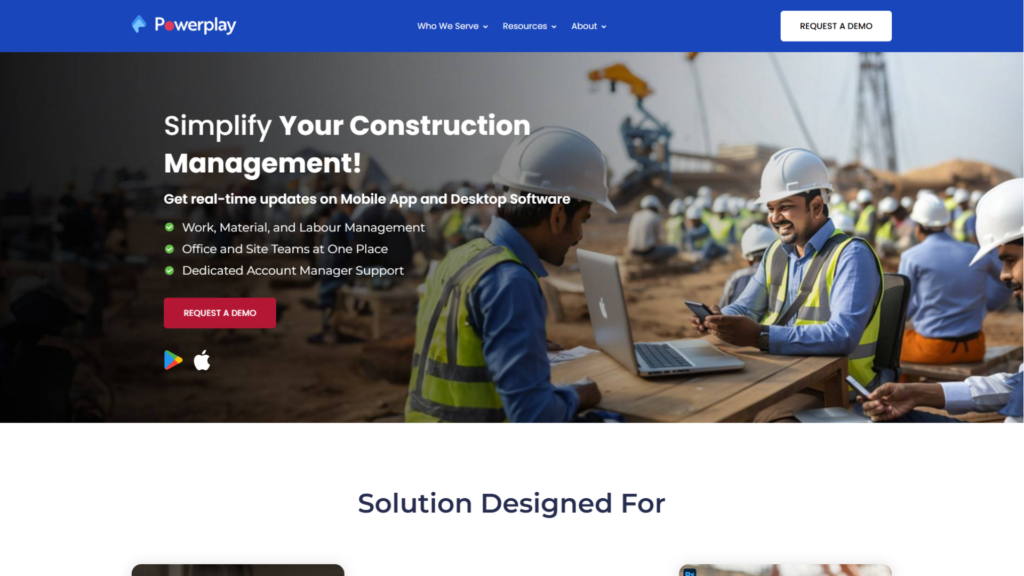
Strip away everything else, and a construction site runs on three things: who showed up, what materials arrived, and what got built today. Powerplay is built around that daily loop on the one device every site supervisor already owns: a smartphone, not a laptop tucked away in a site office. Daily logs, progress photos, labour attendance, and material requests happen from the field in real time, which is exactly why it has become popular among Indian site teams tired of WhatsApp doubling as their official record-keeping system.
Pros:
- Mobile-first design built specifically for site supervisors, not office-based staff
- Real-time daily logs, progress photos, labour attendance, and material requests
- Strong fit for teams replacing informal WhatsApp-based tracking with a proper system
- Focused, easy-to-adopt tool without a steep learning curve
Cons:
- Not a design or finance platform; no BOQ-to-vendor-rate-contract matching or invoice reconciliation
- Powerplay does not publish specific subscription prices on its official website
Pricing: Not publicly listed; obtain current plans directly from Powerplay.
Best For: A general contractor whose core pain point is not knowing what’s happening on site until someone reports it days later.
Verdict: A narrow, deep tool for field visibility; it solves the daily-loop problem fast but leaves procurement and finance workflows to other software.
3. BuildNext

Not every construction business is chasing commercial fit-out contracts or infrastructure tenders; a large slice of India’s contracting economy is quietly building homes, one plot at a time, for clients who want a house, not a project management dashboard. BuildNext was built with that residential market specifically in mind, combining technology with design and construction services to manage the home-building process and keep homeowners informed throughout.
Pros:
- Purpose-built for residential home construction rather than adapted from a commercial tool
- Combines project tracking technology with design and construction services in one offering
- Keeps homeowner clients informed throughout the build, which matters for a client base that isn’t managing multiple sites
Cons:
- No publicly listed standalone SaaS subscription price; pricing is treated as project-specific rather than a fixed software fee
- Not designed around commercial interior fit-out or infrastructure project workflows, so it becomes a weaker fit outside residential construction.
Pricing: Project-specific; no standalone SaaS subscription price listed publicly.
Best For: Builders focused specifically on individual residential homes rather than commercial or infrastructure projects.
Verdict: A strong, purpose-fit choice within residential construction, but the moment a project shifts to commercial fit-out or infrastructure scale, its model stops matching the job.
4. Buildertrend
Buildertrend earned its reputation over years in the US residential construction market, refining a platform designed specifically for residential builders and remodelers. For a firm that wants the comfort of an established, globally proven name, extensive documentation, a mature product ecosystem, and a large existing user base to learn from, that history counts for something real.
Pros:
- Established, mature platform with years of refinement in residential construction
- Extensive documentation and a large existing user base to draw on
- Broad feature set built around US residential building and remodelling workflows
Cons:
- Uses custom pricing rather than a fixed, publicly listed subscription price, making direct comparison harder
- Primarily designed around the US market; lacks India-specific workflows such as GST-oriented processes or RA billing
Pricing: Custom pricing; not published on a fixed public pricing page.
Best For: A firm that has deliberately weighed the US-market focus and still wants an established, globally proven platform over a locally built one.
Verdict: A strong choice for firms prioritising platform maturity over India-specific functionality; a weaker one for firms comparing primarily on price and local compliance fit.
5. Contractor Foreman
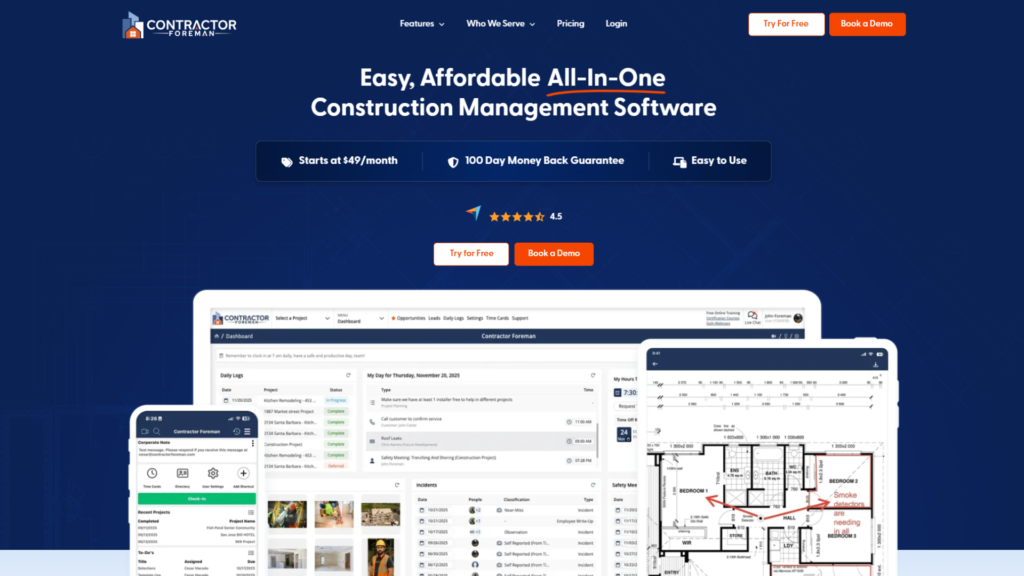
There’s a specific kind of contractor this tool is built for: someone running two or three projects at a time, doing their own invoicing on a Sunday night, who doesn’t want to pay enterprise prices just to stop losing track of a purchase order. At a starting price of $49 a month, Contractor Foreman packs an impressive amount into its offering: invoicing, estimating, time tracking, project management, and other construction-management functions.
Pros:
- Affordable entry point at $49/month for a genuinely broad feature set
- Covers invoicing, estimating, time tracking, and project management in one place
- Doesn’t overreach; it’s honest about being a general-purpose tool rather than an enterprise platform
Cons:
- Not built specifically around India-specific requirements like GST slabs, TDS on labour contracts, or RA billing cycles
- May start to feel limiting as a firm grows into more complex procurement or multi-site coordination
Pricing: Starts at $49/month.
Best For: Small contractors running a handful of projects who want to replace spreadsheets with one affordable system.
Verdict: Strong value for a firm just starting to fformaliseits processes; likely to be outgrown once procurement or multi-site complexity increases.
6. Fieldwire
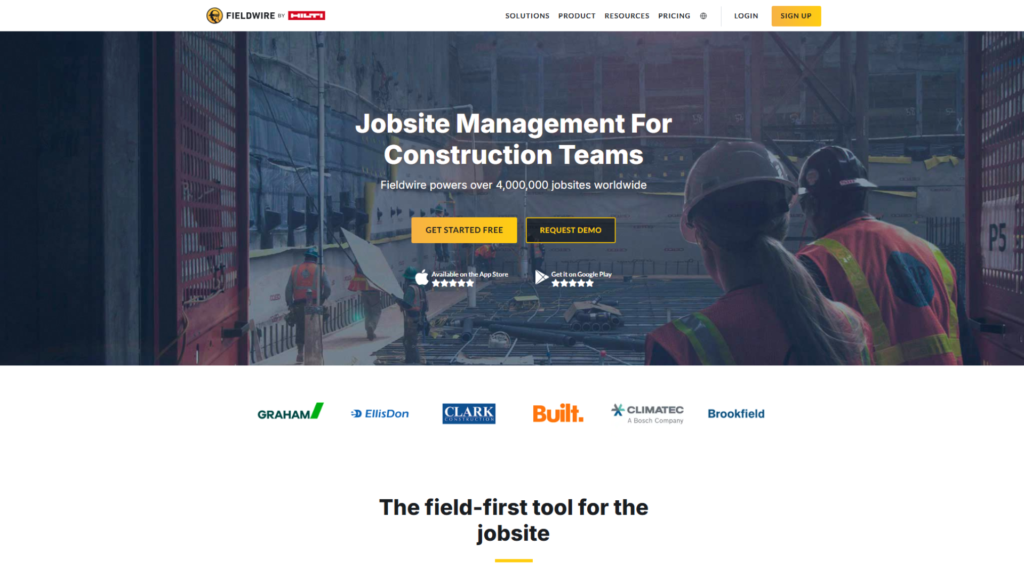
Some construction problems aren’t about money or materials at all; they’re about a foreman standing at a wall holding an outdated drawing because the latest revision is sitting in someone’s email inbox three towns away. Fieldwire exists to fix that specific failure mode: fast drawing markup, punch-list creation, task assignment, and real-time field coordination across the crew, with a free tier that lets a small team start without committing to a paid plan.
Pros:
- Fast, focused drawing markup and punch-list tools built specifically for field coordination
- Free plan available, letting small teams start without upfront commitment
- Clear tiered pricing (Pro, Business, Business Plus) for straightforward scaling
Cons:
- No financial management, procurement, or comprehensive BOQ workflow by design, not oversight
- Per-user pricing at higher tiers (64–89/user/month) can add up quickly for larger crews
Pricing: Free plan available; Pro from $39/user/month (billed annually), Business at $64/user/month, Business Plus at $89/user/month.
Best For: Field teams whose main problem is outdated drawings and disorganised punch lists, not back-office finance or procurement.
Verdict: Excellent at what it focuses on: field coordination, but firms will typically need to pair it with separate financial or procurement software.
7. Knowify
Ask a speciality subcontractor an electrical crew, an MEP team, a plumbing outfit what actually keeps them up at night, and it’s rarely “I don’t know what’s happening on site.” It’s “I don’t know if this job is still profitable.” Knowify is built around answering that exact question in real time, tracking labour and material costs against a job as it happens rather than discovering the overrun during month-end reconciliation.
Pros:
- Strong real-time job costing that flags profitability issues as they happen, not after the fact
- Solid coverage of contracts, change orders, and financial visibility for a job
- Focused enough to be genuinely deep in its core area rather than spread thin
Cons:
- No design tools or broad procurement suite; deliberately narrow scope
- Starting price of $99/month positions it above general-purpose tools aimed at very small operators
Pricing: Starts at $99/month for the Core plan.
Best For: Speciality trade contractors whose business model depends on knowing job profitability in real time.
Verdict: A general contractor juggling design coordination and multi-vendor procurement will likely find it too narrow, but for a speciality trade focused on job costing, that narrowness is exactly the point.
8. Autodesk Forma
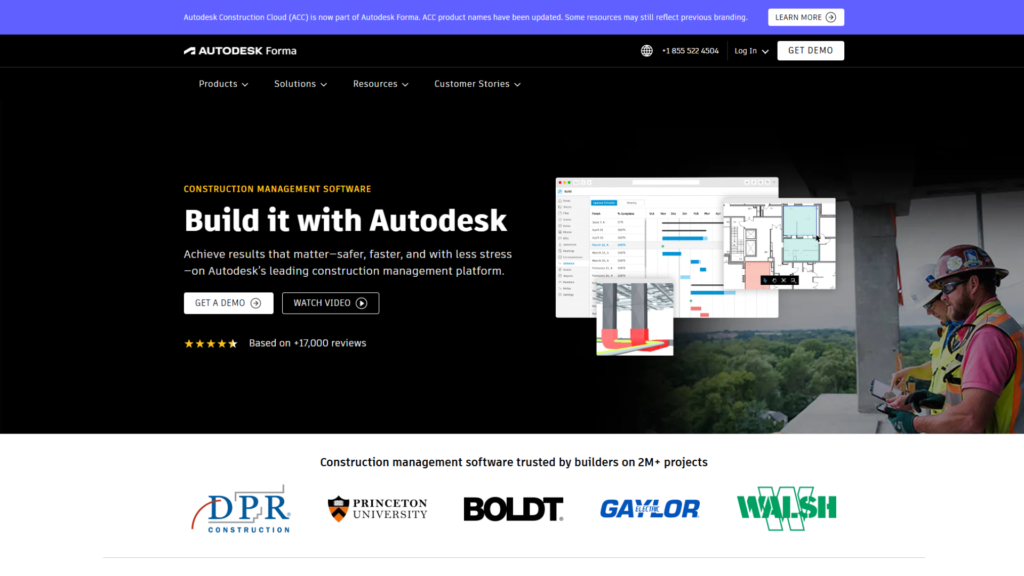
For a firm that already lives inside Autodesk’s world Revit models, AutoCAD drawings, and BIM workflows already part of the daily routine Autodesk Forma functions as an extension of infrastructure that’s already there. Design coordination, BIM-related workflows, and construction project management connect more naturally with data the design team is already producing, which is a genuine advantage over bolting a separate project-management tool onto an existing BIM pipeline.
Pros:
- Deep, native integration with existing Autodesk/BIM workflows (Revit, AutoCAD)
- Modular approach lets firms adopt only the construction capabilities relevant to them, instead of one rigid all-in-one package
- Strong fit for design-to-construction data continuity
Cons:
- Pricing is only available through a custom quote, not a single published subscription price
- Much of its value is inaccessible to a contractor without existing BIM or Autodesk workflows
Pricing: Custom quote-based; no single public subscription price.
Best For: Firms already embedded in the Autodesk ecosystem who want construction management to plug directly into existing design data.
Verdict: A genuinely strong extension for BIM-native firms, but its core value proposition mostly disappears for contractors outside that ecosystem.
9. STACK
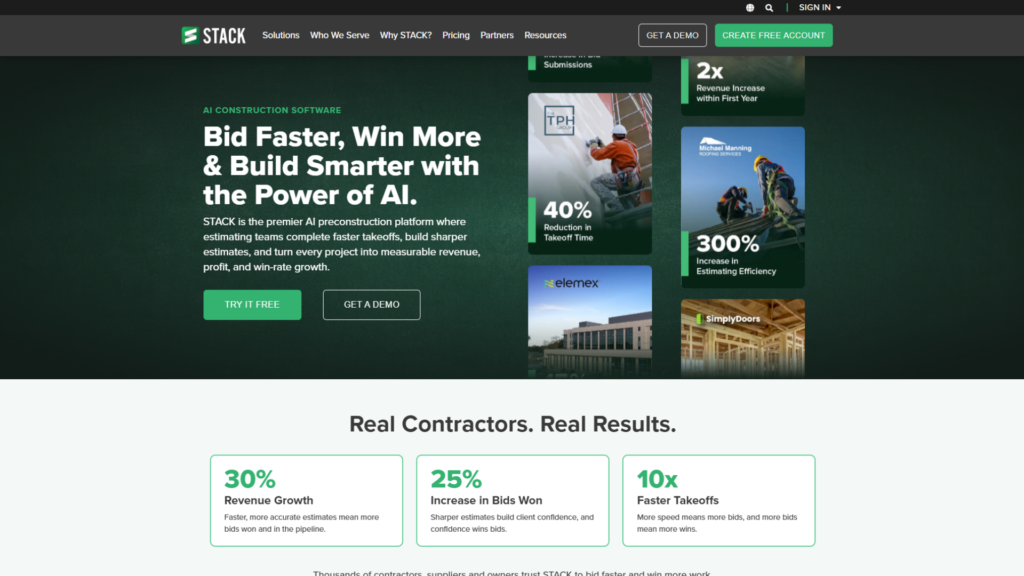
Before a single brick is laid, someone has to accurately measure every drawing and price every material, and that single step, done badly, quietly erodes margin on a project before it even starts. STACK exists specifically to solve that problem through digital takeoff, estimating, and construction documentation workflows.
Pros:
- Purpose-built, precise digital takeoff and estimating tools
- Tiered structure (Build & Operate, Takeoff & Estimate, Full STACK Platform) lets firms pay for only the capability they need
- Clear, currently corrected public pricing (previous figures around $2,999/year for a single user are outdated)
Cons:
- Doesn’t cover comprehensive financial management, procurement, or full project execution; firms will likely need additional systems
- Per-user monthly pricing (49–298/user/month) scales up meaningfully with team size
Pricing: Build & Operate from $49/user/month; Takeoff & Estimate from $249/user/month; Full STACK Platform from $298/user/month (annual billing).
Best For: Teams whose real bottleneck is producing accurate takeoffs and competitive bids, not full project execution.
Verdict: A specialised, high-value tool for estimating, specifically strongest when paired with separate execution or financial software rather than used alone.
10. Zoho Projects
Sometimes the best software decision is the one that adds nothing new to learn. A small firm already running Zoho Books for accounting or Zoho CRM for tracking leads doesn’t necessarily need an entirely separate ecosystem just to manage task timelines. Zoho Projects fits into that wider Zoho ecosystem, making it a practical option for companies already using other Zoho products.
Pros:
- Significantly cheaper than dedicated construction-management platforms, from around $4/user/month
- Free plan available for very small teams or early-stage adoption
- Fits naturally into an existing Zoho ecosystem (Books, CRM) without adding a new vendor relationship
Cons:
- No comprehensive BOQ management, construction-specific procurement workflow, or built-in labour attendance system
- Not designed as dedicated construction software; functions as general-purpose project management applied to construction
Pricing: Free plan available; paid plans start at approximately $4/user/month (annual billing).
Best For: A firm outgrowing spreadsheets but not yet ready to invest in a dedicated construction-specific platform.
Verdict: A sensible, low-friction stepping stone, but not a long-term answer once the business scales past basic task and timeline management.
How Much Can Switching From Procore Actually Save?
The exact figure depends on your current ACV and module usage, but the shape of the savings is consistent across the pricing data above: a small contractor evaluated against Procore’s own small-tier pricing $4500-10,000 a year in USD, before implementation is often looking at a multiple-times cost reduction by moving to a platform priced against local project scale, before even accounting for the $50,000+ implementation costs Procore commonly adds in year one, per TrustRadius reviewer feedback on smaller-job value.
The savings aren’t purely a subscription-line comparison either. Platforms that connect procurement, site tracking, and finance directly address the specific leaks a fragmented stack creates: duplicate purchase orders, missed change orders, delayed reconciliation between what was billed and what was actually built. That operational saving, reported at 8–10% for firms consolidating onto a unified system, tends to matter more over a project’s lifetime than the software price difference on its own.
Which Alternative Fits Which Type of Contractor?
- Interior fit-out, EPC contractor, PMC, or developer wanting procurement, design, and finance connected in one system → RDash
- General contractor prioritising mobile-first daily logs and labour tracking above all else → Powerplay
- Small residential builder doing 5–30 homes a year → BuildNext
- Firm wanting an established, globally recognised residential platform → Buildertrend
- Very small team or solo contractor on a minimal budget → Contractor Foreman
- Field crew needing fast drawing access and punch lists, nothing heavier → Fieldwire
- Speciality subcontractor needing precise job costing → Knowify
- Firm already deep in Autodesk’s BIM ecosystem → Autodesk Construction Cloud
- Team whose bottleneck is estimating and bid prep specifically → STACK
- Small firm already running Zoho for accounting or CRM → Zoho Projects
How to Migrate Without Losing Momentum
Switching platforms or moving off spreadsheets and chat threads for the first time tends to fail for the same reason regardless of which tool is chosen: teams try to migrate everything at once.
- Pilot on one live site first, not the entire project portfolio simultaneously. Data migration of existing BOQs and vendor lists is usually the main variable affecting how long onboarding actually takes.
- Test with the least tech-comfortable site supervisor, not the most enthusiastic one. If someone can run daily logs from a basic smartphone without a manual, the platform will genuinely stick across the field team.
- Migrate procurement and finance data before go-live, since these are the records teams most often try to keep running in parallel spreadsheets “just in case”, a habit that quietly recreates the fragmentation the switch was meant to fix.
- Hold vendors to a defined deployment window. Vague or open-ended implementation timelines are usually where enterprise software costs balloon quietly.
Conclusion: Choosing the Right Procore Alternative
Procore earns its reputation for a reason: it’s a genuinely capable platform for the scale of project it was built to manage. The mistake most small and mid-size contractors make isn’t misjudging Procore’s quality; it’s misjudging their own fit for it. Paying enterprise, revenue-scaled software prices to solve a problem that’s fundamentally about WhatsApp fragmentation, spreadsheet version control, and site-to-office visibility is spending real money on the wrong-sized version of the problem.
The ten alternatives above cover nearly every shape that problem takes: full-lifecycle platforms, mobile-first field tools, residential specialists, job-costing tools, and lean budget options. The right choice comes down to what’s actually built, how many sites run at once, and how much of the workflow genuinely needs to live in one connected system versus a smaller, purpose-built tool doing one job well.
Frequently Asked Questions
Why is Procore too expensive for small and mid-size contractors?
Procore prices its software based on Annual Construction Volume (ACV) rather than a flat subscription, meaning costs scale directly with revenue regardless of actual feature usage. For smaller firms, this pricing floor is often $4,500 to $10,000+ per year before implementation, frequently exceeding the value delivered relative to project scale.
What is the best Procore alternative for a contractor who wants everything in one connected platform?
RDash is built specifically to connect procurement, design, finance, and site tracking in one system rather than requiring separate tools for each function, with deployment timelines of 7 to 30 days versus Procore’s typically multi-month rollout.
What’s the most affordable Procore alternative overall?
Contractor Foreman, at roughly $49 a month, is among the lowest-cost options with broad feature coverage, though it’s a general-purpose global tool rather than one built for region-specific compliance requirements like GST or RA billing.
Which software is best for small residential builders specifically?
BuildNext is purpose-built for residential construction, with strong BOQ and estimation tools and a Hindi-language interface, priced from roughly ₹4,000 a month a strong fit for builders managing 5 to 30 homes a year.
Is Buildertrend cheaper than Procore?
Yes, Buildertrend is generally more affordable than Procore, though it’s priced for the US residential market. Firms comparing it to regionally built alternatives have found it runs around ₹1,99,425 a year, higher than several other options on this list.
What software works best for teams that only need field task and drawing management, not financials?
Fieldwire is built specifically for field-first coordination, fast task assignment, drawing markup, and punch lists, with a free tier for small teams, making it a lean fit for crews that don’t need heavy procurement or financial modules.
Which alternative is best for specialty subcontractors focused on job costing?
Knowify is built specifically around job costing and change-order tracking rather than full project lifecycle management, making it a strong fit for specialty trades like electrical, plumbing, or MEP contractors who need tight cost accuracy per job.
Do small contractors need one all-in-one platform, or can they combine smaller tools?
Both approaches work. Firms with simpler operations often combine smaller, purpose-built tools; for example, Knowify for job costing and Fieldwire for field tasks, while firms managing multiple sites with active procurement and finance together typically benefit more from a unified platform that connects those workflows directly.
What features should a smaller contractor prioritize when choosing construction software?
Key priorities include mobile-first usability for site supervisors on basic smartphones, the ability to replace fragmented WhatsApp-and-Excel workflows, fast deployment timelines, and native support for regional requirements like tax-compliant invoicing and running-account billing.
Can switching construction management platforms actually reduce project costs, or just improve organization?
Both. Beyond organizational benefits, platforms that connect procurement, site tracking, and finance directly address common sources of cost leakage: duplicate purchase orders, missed change orders, and delayed billing reconciliation, with some unified platforms reporting 8 to 10% overall project cost savings after consolidation.