
Key Takeaways
- Best cost management software for construction in 2026: RDash, Procore, Autodesk Forma, Buildertrend, Trimble Viewpoint, Sage Intacct Construction, Oracle Primavera Unifier, STACK, Bluebeam, PlanSwift.
- Three different product types share this category: unified project and cost platforms, finance and ERP-anchored systems, and pre-contract estimating tools.
- RDash suits contractors, interior fit-out firms, project management consultancies and developers who need design, procurement, finance and site progress in one system.
- Most vendors stopped publishing prices. Procore bills by annual construction volume; Buildertrend moved to volume-based custom quotes during 2026.
- CoConstruct cannot be bought. It is closed to new customers and migrating to Buildertrend, with projects addable only until 31 March 2027.
- Overruns are the norm: 86% of 258 transport infrastructure projects across 20 countries exceeded budget, averaging 27.6% escalation.
- India’s central sector portfolio carries ₹4.92 trillion of cost overruns across 1,847 monitored projects (June 2026 government flash report).
- The deciding test: count the manual steps between a site purchase request and the projected final cost a director sees.
Which Cost Management Software Should You Choose?
There is no single best cost management software for construction, and any article that names one has skipped the only question that matters: which of three quite different products you actually need.
Unified platforms carry a budget from bill of quantities (BOQ) through procurement to final billing. Enterprise resource planning (ERP) systems control cost from the ledger outwards. Estimating tools price work before a contract exists. Buying across those lines is the most expensive mistake in this category, and it happens constantly.
Here is the short version by firm type.
If you are | Your problem is usually | Start with |
Contractor, interior fit-out firm, EPC contractor, project management consultancy or developer | Fragmentation across design, procurement, site and finance | |
Large commercial general contractor, North America | Breadth and integration across a big project portfolio | Procore |
Design-led firm already inside Autodesk | Cost consequences of model changes | Autodesk Forma |
Small to mid residential builder or remodeller | Client-facing selections, proposals and change orders | Buildertrend |
Mid-to-large contractor with multi-entity accounting | Financial consolidation and payroll complexity | Trimble Viewpoint |
Firm where the finance function is driving the decision | Job costing inside a real general ledger | Sage Intacct Construction |
Owner or programme management office on a capital programme | Governance, funding sources and audit-ready controls | Oracle Primavera Unifier |
Estimating team losing money at bid stage | Takeoff speed and pricing accuracy | STACK, Bluebeam or PlanSwift |
The rest of this guide explains how to work out which row you are in, and what each platform costs now that almost nobody publishes a price.
Terms used throughout: EPC stands for engineering, procurement and construction. A project management consultancy (PMC) manages delivery on an owner’s behalf. A BOQ is the priced schedule of every item of work on a project. A goods received note (GRN) confirms material delivery at site.
What Is Construction Cost Management Software?
Construction cost management software tracks a project’s money from approved budget through commitments, actual spend, and forecast final cost in real time, with an audit trail behind every change.
The phrase that does the work in that definition is commitments. Money you have promised but not yet paid is where cost control is actually exercised, and it is the thing most systems in adjacent categories cannot see.
Three products get confused with it.
Estimating and takeoff software (STACK, Bluebeam Revu, PlanSwift) answers what a job should cost before the contract is signed. It produces a number. Cost management software answers what the job is costing, right now, against that number, for the eighteen months afterwards. Both matter, and neither substitutes for the other.
Construction accounting records transactions that have already happened, structured for statutory reporting. A purchase order raised on site this morning will not reach the ledger for six weeks. By the time the accounts show it, the money is gone.
Project management with a budget field gives you a place to type a number. Nothing connects that number to the BOQ line it came from, the purchase order that consumed it, the GRN that confirmed delivery, or the invoice that will be paid against it. It is a record of an intention, not a control.
There is a clean functional test. A site engineer raises a purchase request at 9 a.m. Can the commercial lead see the effect on projected final cost by lunchtime, with nobody rekeying anything? If yes, it is cost management software. If no, it is a reporting tool with good intentions.
The Four Questions That Shaped the Top 10 Selection
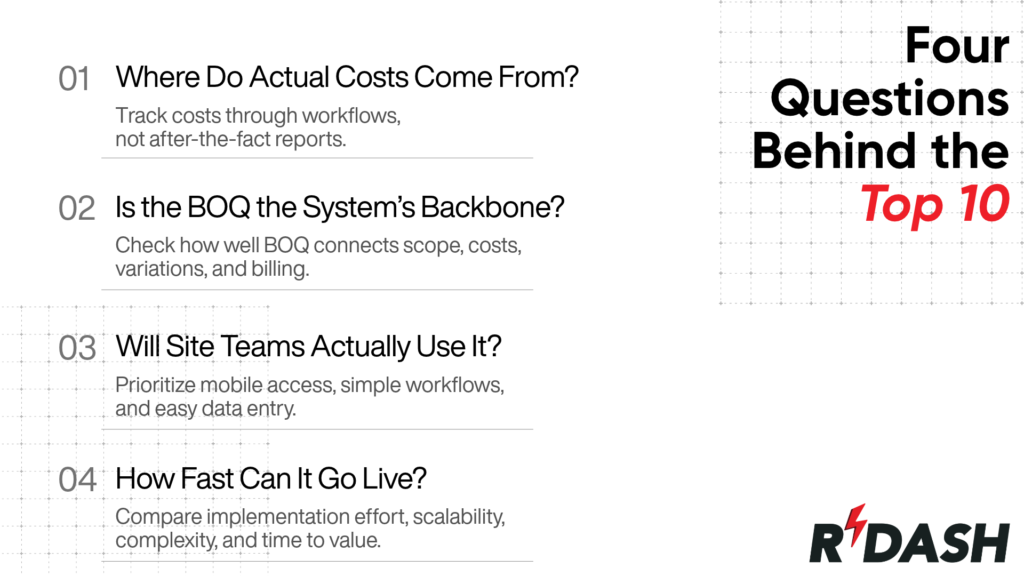
A feature checklist alone is a poor way to rank construction cost management platforms. Most established solutions can claim similar capabilities on paper. What separates them is how those capabilities work in practice, how deeply they connect to the cost-control process, and whether they help teams identify problems before they affect project margins.
To select the Top 10, I looked beyond feature counts and assessed each platform against four questions that reveal how effectively it supports real-world project cost control.
1. Where do the actual costs come from?
The first question I considered was whether a platform captures costs as part of the workflow or simply reports them after the fact.
In a reporting-led system, actual costs are typically compiled periodically from accounting exports, spreadsheets, and site updates. The information may be accurate, but it often arrives after the decision that could have changed the outcome has already been made.
A stronger cost-control platform captures financial events as they happen: a purchase request raised by the site team, a purchase order approved against an agreed rate, a goods receipt recorded at the site, and an invoice matched against the underlying commitment. The cost record is created through the workflow rather than reconstructed afterwards.
How I assessed it: I looked at how easily each platform could trace a single material purchase from its origin at site level through to its impact on the project’s projected final cost. The fewer manual handoffs required, the stronger the platform’s potential for real-time cost visibility.
2. Is the BOQ the spine of the system, or simply an attachment?
I also examined how deeply the Bill of Quantities (BOQ) is integrated into each platform.
In a genuinely connected cost-control system, the BOQ is not just a spreadsheet uploaded at the beginning of a project. It provides the structural link between scope, quantities, commitments, variations, progress and billing. Changes made during the project can therefore be traced back to the original scope and their financial impact understood.
This becomes particularly important in interior fit-out and mechanical, electrical and plumbing (MEP) projects, where projects can contain thousands of line items and variations are a normal part of delivery rather than an exception.
I therefore considered whether each platform could maintain that connection throughout the project lifecycle rather than requiring teams to reconcile separate spreadsheets and systems manually.
3. Will the people generating the cost data actually use it?
A cost management platform is only as reliable as the data entering it. That means usability at site level matters just as much as the sophistication of the commercial dashboard.
The people creating the underlying cost data are often site engineers, project managers, store teams and other operational staff rather than finance specialists. They may be entering information from a mobile device, working with inconsistent connectivity or dealing with time-sensitive site activities.
For the Top 10 selection, I therefore considered whether platforms were practical for the people who actually create and update project data, rather than assessing usability only from the perspective of commercial or finance teams.
This distinction matters because a platform can produce impressive dashboards while still suffering from incomplete or delayed data at source.
Deloitte’s State of Digital Adoption in the Construction Industry 2026, based on 954 construction and engineering businesses across Australia, Hong Kong, India, Japan, Singapore and Vietnam, found that mobile apps were in use at 47% of businesses and construction management cloud software at 50%. The report also highlights that technology adoption alone does not guarantee better outcomes; interoperability, data foundations and workforce capability remain important.
How I assessed it: I considered the end-user experience, particularly mobile accessibility, ease of data entry, workflow simplicity and the amount of training required before site teams could use the platform effectively.
4. How quickly can it become operational?
Finally, I considered implementation. A platform’s capabilities are of limited value if a business has to wait months before teams can use them effectively.
Implementation requirements vary significantly across the market. Enterprise platforms may require extensive configuration, integrations, data migration and process redesign. That can make sense for large organisations with complex requirements, but it can also create a significant time and resource commitment.
Other platforms are designed around more standardised workflows and can be deployed considerably faster. That can be particularly valuable when the immediate objective is to improve cost visibility and control rather than undertake a large-scale technology transformation.
For the Top 10, I therefore considered the balance between implementation depth, complexity, scalability and time to value rather than treating faster deployment as automatically better.
RDash’s construction management software deployment timeline guide provides further context on what different implementation approaches can involve.
What These Four Questions Reveal
These four questions provide a more meaningful way to compare construction cost management platforms than a simple feature checklist.
I looked at how costs enter the system, how closely they remain connected to project scope, whether site teams can consistently maintain the data, and how quickly the technology can become operational.
Those factors formed the basis for selecting the Top 10 platforms featured in this guide, with the focus on solutions that can support genuine cost control rather than simply provide another place to report project costs.
Comparison Table: Top 10 Cost Management Software for Construction
# | Platform | Best for | Pricing model | Published list price? | Where cost data originates |
1 | RDash | Contractors, fit-out and EPC firms, project management consultancies, developers | Three plans (Lite, Pro, Enterprise), unlimited users | No, quote-based | Site app, purchase requests, GRN, installed progress |
2 | Procore | Large commercial general contractors | Annual construction volume, unlimited users | No | Field and financial modules |
3 | Autodesk Forma | Design-heavy firms inside Autodesk | Bundle-based; user, project or account | No | BIM model and Forma Build |
4 | Buildertrend | Small to mid residential builders and remodellers | Volume-based custom quote (changed 2026), unlimited users | No | Office-led, client portal |
5 | Trimble Viewpoint | Mid-to-large contractors needing construction ERP | Quote-based | No | ERP ledger plus connected field tools |
6 | Sage Intacct Construction | Firms where finance drives the decision | Quote-based, partner-led | No | Accounting and job cost ledger |
7 | Oracle Primavera Unifier | Owners and programme management offices | Quote-based subscription | No | Contract, commitment and schedule workflows |
8 | STACK | Estimating and bidding teams | Per user, per month, billed annually | Yes | Pre-contract only |
9 | Bluebeam Revu | Estimators marking up PDF plan sets | Per user subscription | Yes | Pre-contract only |
10 | PlanSwift | Desktop quantity takeoff | Annual subscription | Yes | Pre-contract only |
The 10 Best Cost Management Software for Construction
Most construction cost platforms can claim similar capabilities on a specification sheet. What actually distinguishes them is how those capabilities behave in practice: where the cost data originates, whether scope and spend stay connected as a project changes, whether the people on site will keep the data current, and how long the system takes to become useful. This list evaluates each platform against those four tests rather than against feature counts and, just as importantly, is clear about where each one is the wrong choice.
1. RDash
Best for: Contractors, interior and fit-out firms, EPC contractors, project management consultancies and developers, particularly across India and Asia Pacific.
Cost overruns are frequently discovered late, not because the numbers are wrong, but because they are scattered. The BOQ lives in Excel, approvals move through WhatsApp, drawings sit in Google Drive, and finance runs on a separate system, so a deviation on site becomes visible only after it has affected the margin. RDash, an AI-powered construction management platform, is built to address that fragmentation directly, connecting design, procurement, finance and site teams in a single workspace where cost events are recorded through the workflow rather than reconstructed afterwards.
Cost depth sits across procurement and finance management: rate contracts linked to an element master, automated purchase order creation with country-specific tax rules, material GRN and issuance at the site store, site expense capture by mobile, purchase requests raised from site under approval controls, and installed progress tracking that measures the installed value of work for cash flow control. On the delivery side, BOQ and change order management keeps scope, variations, and client approvals tied to the same line items that drive billing.
The AI and power features layer adds an AI Co-pilot for prompt-based analytics aimed at margin leakage and time lags, an approval hierarchy spanning purchase orders, invoicing, payments and expenses, third-party collaborator logins so vendors and clients can update documents and approve directly, and 50-plus prebuilt dashboards for management reporting. RDash lists an Analytics Agent and a Predictive Risk Agent as live, with a Reconciliation Agent that cross-verifies invoices against purchase orders, GRN and reported progress, plus a Costing Agent, both marked coming soon.
RDash reports use by 450+ construction teams, backing from Y Combinator, and outcomes of 10% cost reduction and a 20% cash flow unlock from linking receivables and payables to installed work progress, alongside a 90-day deployment guarantee with dedicated account management. Published project case studies include an $8 million MEP package with over 3,600 line items at GD Waldner, a Semac project processing more than 1,000 vendor invoices, and a 15% reduction in margin leakage at Spacity Interiors.
Pricing model: Three plans, RDash Lite, Pro and Enterprise, with unlimited users so every stakeholder can work on one platform. Details on the RDash pricing page.
Where it is not the answer: RDash is built for construction and fit-out delivery, not as a general ledger. Firms whose primary need is multi-entity statutory accounting and complex payroll should be shortlisting the ERP tier and integrating, not replacing.
2. Procore
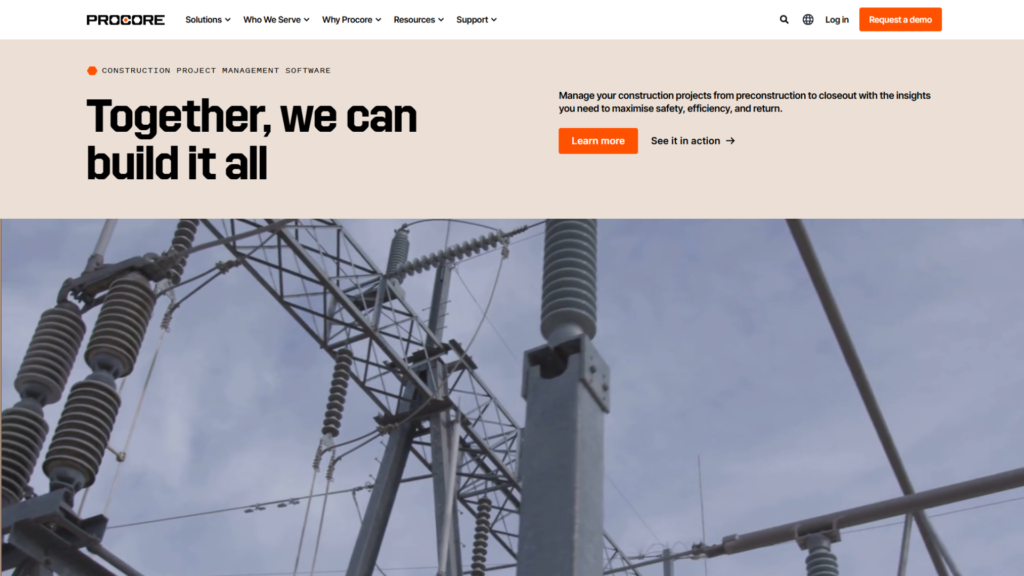
Best for: Large commercial general contractors, particularly in North America.
Procore is the broadest suite in the market, covering financials, quality, safety and project management, with an integration ecosystem smaller vendors struggle to match. Its cost management is mature and well understood by the North American subcontractor base, which lowers adoption friction on big jobs.
Pricing model: Annual construction volume. Procore does not publish list pricing and charges annually by product against the aggregate value of construction work across a customer’s projects, with unlimited users, storage, and support included, per TrustRadius. Reported figures for what firms actually pay vary widely and are indicative only.
Where it is not the answer: Breadth costs you in learning curve and configuration effort, and the volume-based model means the bill grows with turnover whether or not usage does. Smaller contractors routinely find the entry point disproportionate to what they extract.
3. Autodesk Forma (formerly Autodesk Construction Cloud)

Best for: Design-heavy firms already working inside Autodesk.
Autodesk ties cost management to building information modelling (BIM) data, so a design change and its cost consequence live in the same environment. Where scope change originates in the model, that adjacency is a genuine advantage rather than a marketing one. Autodesk’s pricing page confirms Autodesk Construction Cloud is now part of Autodesk Forma with product names updated; cost management sits in the Construction Operations bundle alongside Forma Build.
Pricing model: Quote-based, structured as three bundles (Model Management, Preconstruction, Construction Operations), with Autodesk describing flexible user, project and account-based pricing.
Where it is not the answer: The case depends heavily on already owning the Autodesk stack. Per-user cost is a consistent complaint from subcontractors and smaller firms, and buying Forma purely for cost management, without the design side, is an expensive route to that outcome.
4. Buildertrend
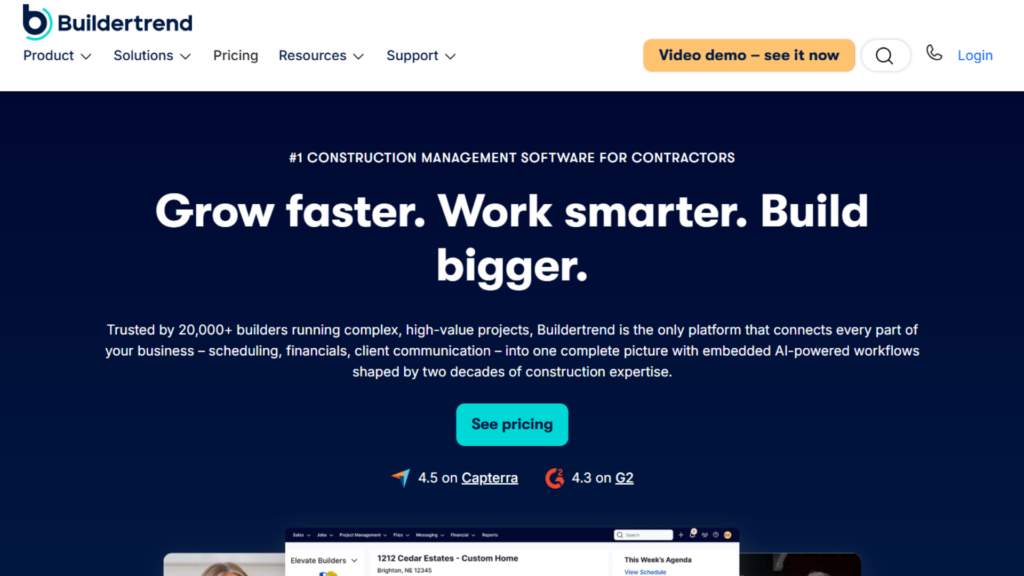
Best for: Small to mid-sized residential builders and remodellers, primarily North America.
Buildertrend’s strength is the client-facing half of residential work: selections, client portals, proposals and communication, with financial management, change orders, estimating and budget-versus-actual tracking layered on at higher tiers.
Pricing model: Historically three published tiers (Essential, Advanced, Complete) with unlimited users, where estimating and takeoff sat behind the Advanced tier. During 2026, Buildertrend moved to custom quotes tied to annual construction volume brackets; a May 2026 verification found its pricing page routing buyers to a quote request form.
Where it is not the answer: It is built around residential and light commercial assumptions. Applying it to large commercial fit-out, EPC or infrastructure work means fighting the product. Contractors also report significant renewal increases, which is worth negotiating up front rather than discovering at year two.
5. Trimble Viewpoint (Vista and Spectrum)
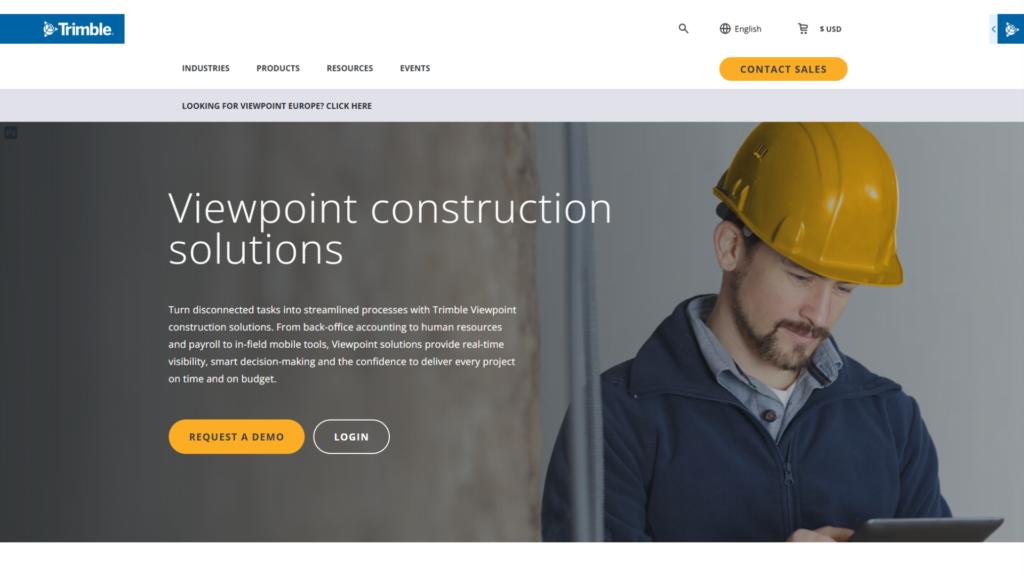
Best for: Mid-to-large and enterprise contractors that need construction ERP as the financial core.
Trimble’s Viewpoint range has two products. Vista is a highly configurable enterprise ERP for large contractors with complex multi-entity accounting and heavy human resources and payroll processing. Spectrum is a native web-based cloud ERP for mid-to-large contractors who want faster onboarding and browser-based workflows. Both sit under Trimble Construction One and connect to Trimble’s field, estimating and analytics tools.
Pricing model: Quote-based. Neither product posts public pricing.
Where it is not the answer: This is ERP, with ERP implementation weight. Independent guidance consistently advises treating the licence as the smaller half of the cost, since implementation, data migration, report rebuilding and integration work often equal or exceed first-year software spend. Firms whose real requirement is job costing and work-in-progress reporting rather than full ERP are usually better served elsewhere.
6. Sage Intacct Construction
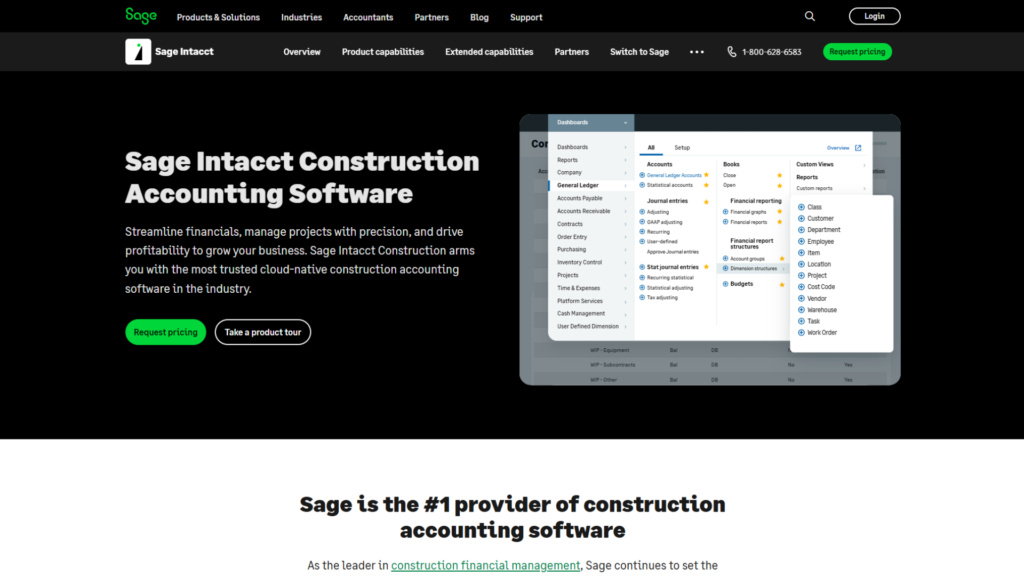
Best for: Contractors and developers where the finance function, not the site team, is driving the decision.
Sage’s current flagship for this market is Sage Intacct Construction, a native-cloud product combining Sage Intacct financial management with construction and real estate functionality from the Sage 300 Construction and Real Estate line (formerly Timberline). It represents project work in a work breakdown structure with project, task and cost type dimensions, and measures cost and productivity across estimating, project management, data collection and accounting, per Sage’s product documentation.
Pricing model: Quote-based, usually through implementation partners.
Where it is not the answer: Financial reporting depth is the strength; field usability is not the product’s purpose. Most Sage deployments pair it with a separate project or field platform, which means you are buying an integration rather than a single system.
7. Oracle Primavera Unifier
Best for: Owners, programme management offices and delivery organisations running large capital programmes.
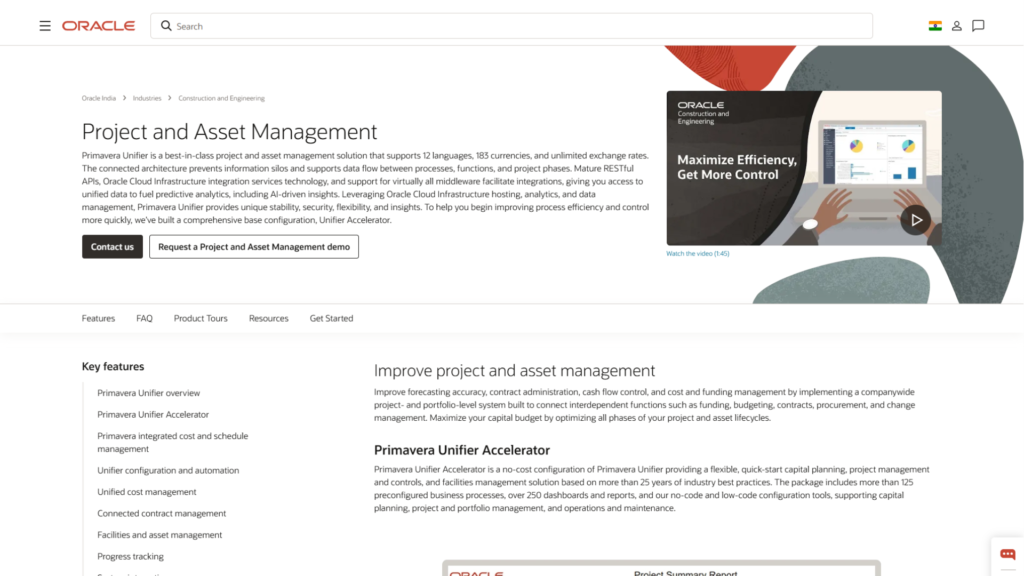
Primavera Unifier handles enterprise capital programme cost control: budgets, commitments, contracts, change management, multiple funding sources, payment certification and cash flow, with schedule-based cash flow management fed from Primavera P6 so cost and schedule reconcile instead of drifting. Oracle’s framing is deliberate and correct: costs never exist in isolation from activities, schedule and contracts.
Pricing model: Quote-based subscription, typically per user or per organisation.
Where it is not the answer: This is governance-grade tooling for portfolios of complex, regulated, multi-stakeholder projects. For a fit-out contractor running fifteen concurrent jobs, the configurability that makes Unifier powerful for a utility becomes an implementation burden with no matching return.
8. STACK Construction Technologies
Best for: Estimating and bidding teams that want cloud takeoff without desktop licensing.
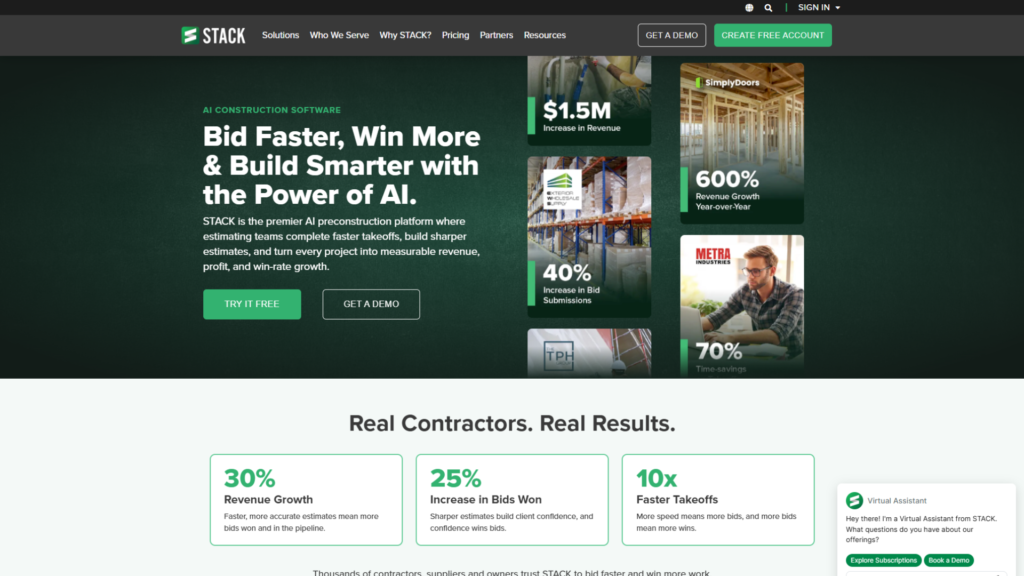
STACK is a cloud-native takeoff and estimating suite for speciality and general contractors, generating quantities and pricing from digital plans with document control alongside. Because it was subscription software from the start, it avoids the perpetual-to-subscription migration friction hitting several desktop competitors.
Pricing model: Per user, per month, billed annually.
Where it is not the answer: Its centre of gravity is pre-contract. It will tell you what a job should cost. It will not tell you what it is costing in month seven.
9. Bluebeam Revu
Best for: Estimators and design reviewers working on PDF plan sets.
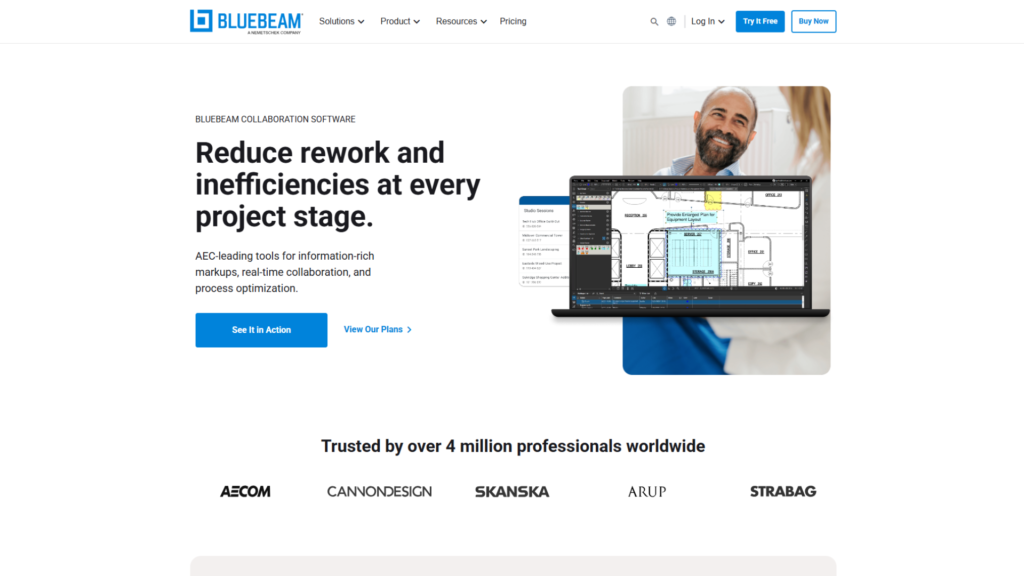
Bluebeam’s markup, measurement and document collaboration on PDFs is the category standard, and most estimating teams run it alongside a separate cost platform rather than instead of one. Bluebeam moved to subscription-only licensing from Revu 21.
Pricing model: Per-user subscription.
Where it is not the answer: It is a document and measurement tool. Treating it as a budget-tracking system means keeping the budget somewhere else, which recreates the fragmentation this category exists to solve.
10. PlanSwift
Best for: Contractors wanting fast desktop quantity takeoff from digital blueprints.
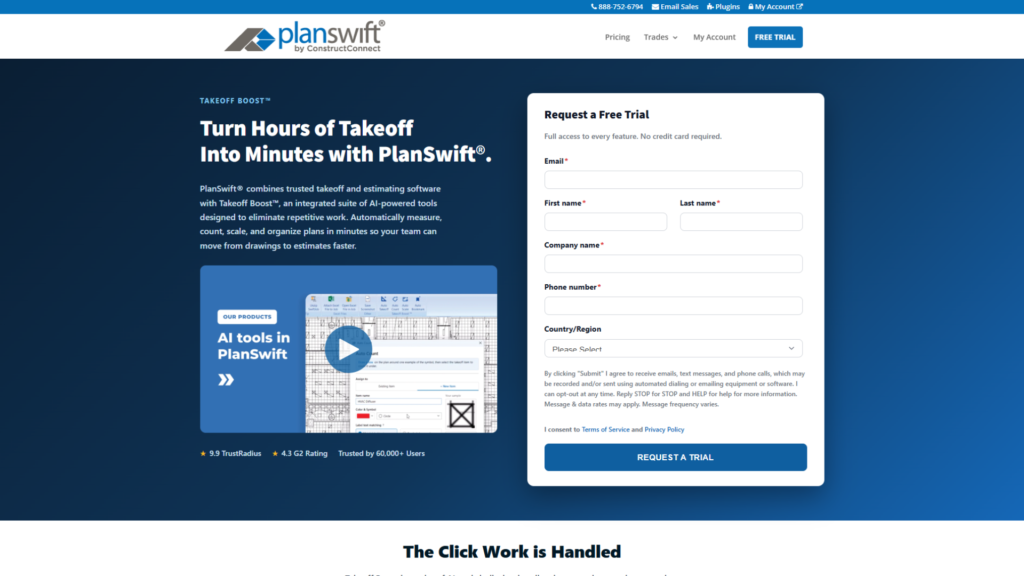
PlanSwift sits in ConstructConnect’s desktop portfolio alongside On-Screen Takeoff, Quick Bid and QuoteSoft, and remains a capable takeoff tool with a long-standing user base.
Pricing model: Annual subscription. ConstructConnect has retired perpetual licensing for new PlanSwift customers, in line with the broader shift across desktop takeoff documented in Vertigraph’s 2026 takeoff pricing comparison.
Where it is not the answer: Desktop-first architecture makes multi-location collaboration harder than cloud alternatives, and like the rest of this group, it stops at the contract.
How to choose from this list
These platforms fall into three groups, and identifying which one fits your problem matters more than any single feature.
- Pre-contract specialists (STACK, Bluebeam, PlanSwift) tell you what a job should cost. They are strong at that and largely silent once work begins.
- Enterprise ERP and programme platforms (Trimble Viewpoint, Sage Intacct Construction, Oracle Primavera Unifier, and to a degree Procore and Autodesk Forma) offer depth, governance and mature ecosystems, in exchange for implementation weight and, in several cases, a finance-led rather than site-led design.
- Connected delivery platforms (RDash and Buildertrend within residential) aim to capture cost through the workflow: site request, approved PO, GRN, matched invoice, installed progress with the BOQ as the connecting spine and the site team treated as primary users.
No single tool wins on all four questions for every buyer. A large contractor consolidating multi-entity accounts will weigh them differently from a fit-out firm chasing real-time margin visibility across fifteen live jobs. The right approach is to decide which of the four questions is most acute for your business, then shortlist the platforms built to answer that one first and to test any vendor’s stated outcomes against your own data before committing.
How Do You Choose? Three Decision Paths
Diagnose the problem before comparing products. Almost every bad purchase in this category is a correct answer to the wrong question.
Path 1: your problem is fragmentation
You know this is you if the BOQ is in Excel, approvals are in WhatsApp, drawings are in Google Drive, finance sits in Tally or QuickBooks, and reconciling them is a monthly exercise somebody dreads.
An estimating tool will not help. It adds a fifth system. An ERP will help in eighteen months, which is not when you need it. What you need is a platform where the BOQ, the purchase order, the site progress update and the invoice are the same data. RDash, Procore and Buildertrend all sit here, separated by project type and geography rather than raw capability.
Path 2: your problem is financial consolidation
You know this is you if project-level tracking broadly works but you cannot consolidate across entities, your work-in-progress schedule is built by hand, payroll complexity is real, or auditors are asking questions your systems answer slowly.
That is an ERP requirement. Trimble Viewpoint and Sage Intacct Construction are the serious candidates, with Oracle Primavera Unifier if you are an owner rather than a contractor. Budget implementation at parity with first-year licensing, and expect the field platform to stay separate and integrated.
Path 3: your problem is bidding accuracy
You know this is you if you are winning work at prices that turn out to be wrong, and the failure is visible before mobilisation rather than during execution.
STACK, Bluebeam and PlanSwift address this directly. Be clear that fixing it does not fix execution-stage control, and a good estimate poorly tracked still ends in a write-off. RDash’s guides to construction cost analysis and construction job costing cover how the two stages should connect.

Where Is This Category Headed?
Three shifts worth planning around, stated with the evidence as it stands rather than as vendors would prefer.
AI capability is running well ahead of AI adoption
The gap is large and documented. Deloitte’s construction practice reports that almost 75% of construction leaders expect AI to improve cost and efficiency while 65% are not currently using AI in operations, and that fewer than 1% of organisations surveyed by the Royal Institution of Chartered Surveyors have fully embedded AI at scale, with most efforts still in pilot.
Bluebeam’s AEC Technology Outlook 2026, surveying over 1,000 architecture, engineering and construction professionals, found only 27% using AI. Among those adopters, though, 68% reported saving at least $50,000 and 46% reported saving 500 to 1,000 hours.
Two honest conclusions follow. Returns for firms that get past the pilot stage look real. And the risk of paying for AI you never operationalise is equally real: Gartner projects more than 40% of agentic AI projects will be cancelled by the end of 2027 on cost, unclear value or weak controls.
The differentiator is not whether a platform has AI. It is whether the AI has anything coherent to read. Fragmented tools produce fragmented data and unreliable output, which gives unified platforms a structural advantage here that has little to do with model quality. RDash’s practical guide to AI in construction management software sets out where that distinction bites.
Detection lag is what is actually being compressed
Deloitte reports early agentic deployments cutting change order reviews from 8 to 12 days down to 2 to 3 days, and schedule variance detection from weeks to days.
That is the mechanism by which software affects cost outcomes. Not smarter estimates. Shorter time-to-knowledge. Judge AI claims against that yardstick, and establish your current cycle time before agreeing what an improvement is worth.
Mobile field capture is a baseline, not a differentiator
Cost control depends on data originating at site. Deloitte’s Asia Pacific survey found mobile apps in use at 47% of surveyed businesses, and Bluebeam found 52% of professionals still using paper in design phases.
A platform without genuinely usable mobile capture is not a modern cost system, however good its dashboards look. A platform with one still fails if site teams find it slower than the WhatsApp message it replaced.
Final Thought
The evidence on cost overruns is consistent across seven decades, five continents and every methodology anyone has applied. Overruns are the norm. Software does not change that.
What software changes is how fast you find out. The difference between projects that hold their margin and projects that do not is rarely the quality of the original estimate. It is the number of weeks between a budget starting to slip and someone with authority to act finding out. Every criterion in this guide reduces to that one variable.
Pick the platform that shortens the gap for the way your firm actually works. If that means unifying design, procurement, finance and site progress in one system, see how RDash approaches it or compare it against the alternatives.
Frequently Asked Questions
What is cost management software for construction?
Cost management software for construction tracks a project’s money from approved budget through commitments, actual spend and forecast final cost in real time, with an audit trail behind every change. It differs from estimating software, which prices work before a contract is signed, and from construction accounting, which records transactions after they occur. Its defining function is visibility into money that is committed but not yet spent, which is where cost control is actually exercised.
What is the best cost management software for construction in 2026?
There is no single best option, because the category contains three different products. For unified control across design, procurement, finance and site progress, RDash, Procore and Buildertrend are the leading choices, separated by project type and region. For financial consolidation and multi-entity accounting, Trimble Viewpoint and Sage Intacct Construction are the serious candidates. For owners running large capital programmes, Oracle Primavera Unifier. For pre-contract estimating, STACK, Bluebeam Revu and PlanSwift.
What is the difference between cost estimating software and cost management software?
Estimating software such as STACK, Bluebeam Revu or PlanSwift generates quantity takeoffs and prices from drawings to produce a bid, answering what a job should cost before the contract exists. Cost management software carries that budget through the whole project lifecycle, tracking actual and committed spend against it as work proceeds. Most firms need both, and using an estimating tool as a cost management system leaves execution-stage overruns undetected.
How much does construction cost management software cost in 2026?
Most major vendors no longer publish list pricing. Procore charges by annual construction volume, the aggregate value of construction work across a customer’s projects. Autodesk, Trimble, Oracle and Sage quote privately, and Buildertrend moved from published tiers to volume-based custom quotes during 2026. Estimating specialists including STACK, Bluebeam and PlanSwift still publish per-user subscription pricing. Because third-party aggregators disagree threefold on the same products, compare the pricing model instead, since that determines how your bill behaves as the business grows.
Can I still buy CoConstruct?
No. Buildertrend acquired CoConstruct in 2021 and CoConstruct is closed to new customers. Its migration page states that all future projects run through Buildertrend, that projects can be added to CoConstruct only through 31 March 2027, and that access to historical project data is retained. Existing users should plan a migration and budget for data export and retraining. Any 2026 article recommending CoConstruct as a current purchase has not been verified.
Is Autodesk Construction Cloud still called that?
No. Autodesk Construction Cloud is now part of Autodesk Forma and product names have been updated, with Autodesk Build becoming Forma Build. Cost management sits in Autodesk’s Construction Operations bundle. Comparison content still using the older name has not been updated since at least 2025.
Do construction projects really go over budget 90% of the time?
Close, but the most-cited figure is narrower than its usual framing. A 2002 study of 258 transport infrastructure projects across 20 countries and 5 continents found costs underestimated in 86% of cases, averaging 27.6% escalation. That study covers transport infrastructure, not construction as a whole. Owner-side surveys point the same way with different numbers: KPMG found 31% of projects came within 10% of budget. Large capital projects fare worse, with a McKinsey study of 532 projects worth at least $100 million each finding average overruns of at least 79%.
Why do construction projects go over budget?
Research points to persistent structural causes: optimism bias and commercial pressure at the estimating stage, design changes during construction, incomplete design information at tender, poor contract administration, and delayed detection of cost deviations. Software addresses delayed detection directly and contract administration partially, through audit trails and approval workflows. It does not address optimism bias at bid stage, ground conditions or material price shocks, and vendors claiming otherwise are overselling.
Does cost management software actually reduce overruns, or just track them?
Both, through different mechanisms. Visibility alone changes behaviour, because a team that sees a deviation in week three intervenes while intervention is still cheap, whereas a team that discovers it at month-end close is managing a claim rather than a cost. Beyond visibility, platforms that enforce procurement discipline, approval hierarchies, and change order documentation reduce how often deviations happen, not just how fast they are spotted. Deloitte reports early agentic AI deployments compressing change order review from 8 to 12 days to 2 to 3 days.
Can small contractors benefit from cost management software?
Yes, often disproportionately, because smaller firms have the least financial redundancy to absorb an overrun. The fit criteria differ from large firms: prioritise fast deployment, unlimited-user pricing so site teams and vendors can be included, genuine mobile capture, and workflows that do not assume a dedicated quantity surveying function. Enterprise suites built for contractors running hundreds of millions in annual volume are usually the wrong instrument for a firm running fifteen concurrent projects.
How long does construction cost management software take to implement?
It varies by an order of magnitude. Enterprise ERP deployments with custom cost structures, multi-entity accounting, and system integration take months, and implementation frequently equals or exceeds first-year licensing cost. Purpose-built cloud platforms with standard workflows are commonly measured in days or weeks; RDash publishes a 90-day deployment guarantee with dedicated account management. Ask any vendor for a named reference customer of similar size and project type, then ask that customer how long it actually took.
Do these platforms integrate with existing accounting software?
Most do, but integration depth varies significantly, and the difference matters. Some offer native two-way synchronisation with common accounting systems so cost codes, vendors and invoices reconcile automatically. Others provide application programming interface-based integration requiring configuration work and ongoing maintenance. Before committing, ask which objects sync, in which direction, at what frequency, and what happens when a record conflicts. A weak integration reintroduces the manual reconciliation the purchase was meant to eliminate.
What should I evaluate first when comparing platforms?
Start with where the actual costs come from. Ask the vendor to demonstrate the full path a single material purchase takes from a site engineer’s phone to the projected final cost a director sees, and count the manual steps. That number predicts your detection lag more accurately than any feature comparison. Then check whether the bill of quantities is the structural spine of the system or an uploaded attachment, whether site teams will genuinely use the mobile experience, and how the pricing model behaves at your projected turnover three years out.
What is the biggest mistake firms make when choosing?
Buying the wrong category of product rather than the wrong product. Firms with a fragmentation problem buy an estimating tool and add a fifth disconnected system. Firms with a consolidation problem buy a field platform and still cannot close their books. Firms with an urgent margin leak buy a six-month enterprise implementation. Diagnose which of the three problems you actually have before comparing features, because a platform that is excellent for a different problem will still fail on yours.